Widget Crazy

I don't know what it is about the iOS 17 update but I’ve been tweaking my home screen widgets like crazy. I’ve used some widgets the past few years but once I got the weather and photo widget in place, they stayed. Maybe allowing them to be interactive made more devs include them in their apps. Here are a few of my favorites that will find a place on a screen somewhere, but I’m still moving them around.
Contacts
I hadn’t used this one before so I’m not sure how much is new. I thought it was just a shortcut to call a few contacts. Turns out there is a lot more to it.
On the widget it shows their current location, if it’s shared with you, it will add an icon if they are driving, and if you have an unread message from them it will indicate that as well.
When you click on a contact I thought it would just bring up their contact page. It actually brings up a whole summary view. I’m not sure this is even in any app, it’s different than the user pages in Contacts and Messages. It should be the default view for Contacts across the OS. It obviously shows the call, FaceTime, and message options. It also includes a map, any Messages threads they are a part of, anything shared (links), photos of them, and emails.
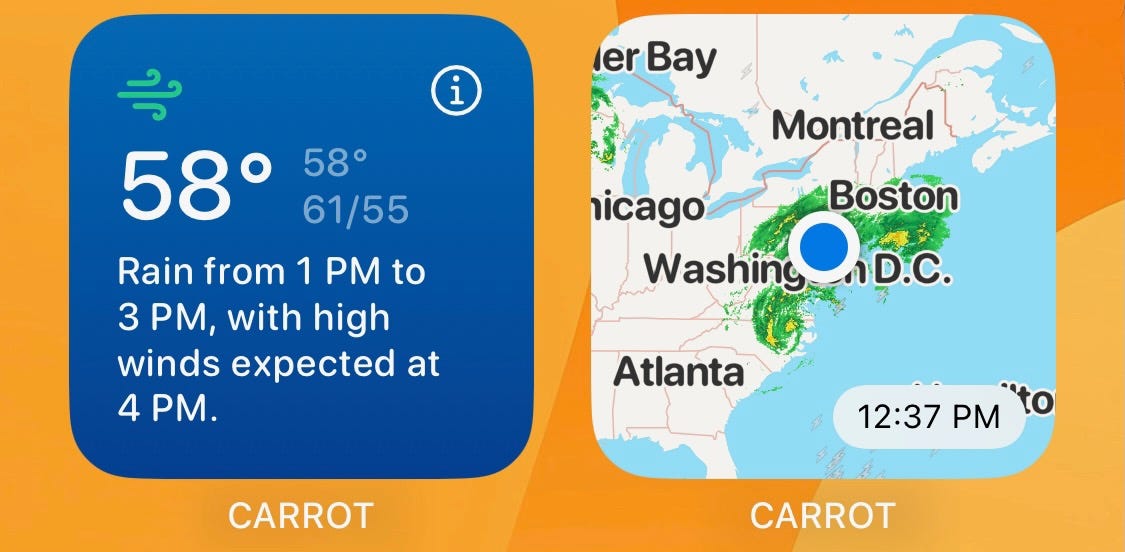
You are probably happy enough with Apple’s Weather app but I pay for Carrot because of all the different options it gives me. It also offers a ton of widgets with options, including radar. These aren’t new to my home screen, but still belong at the top of any widget list.
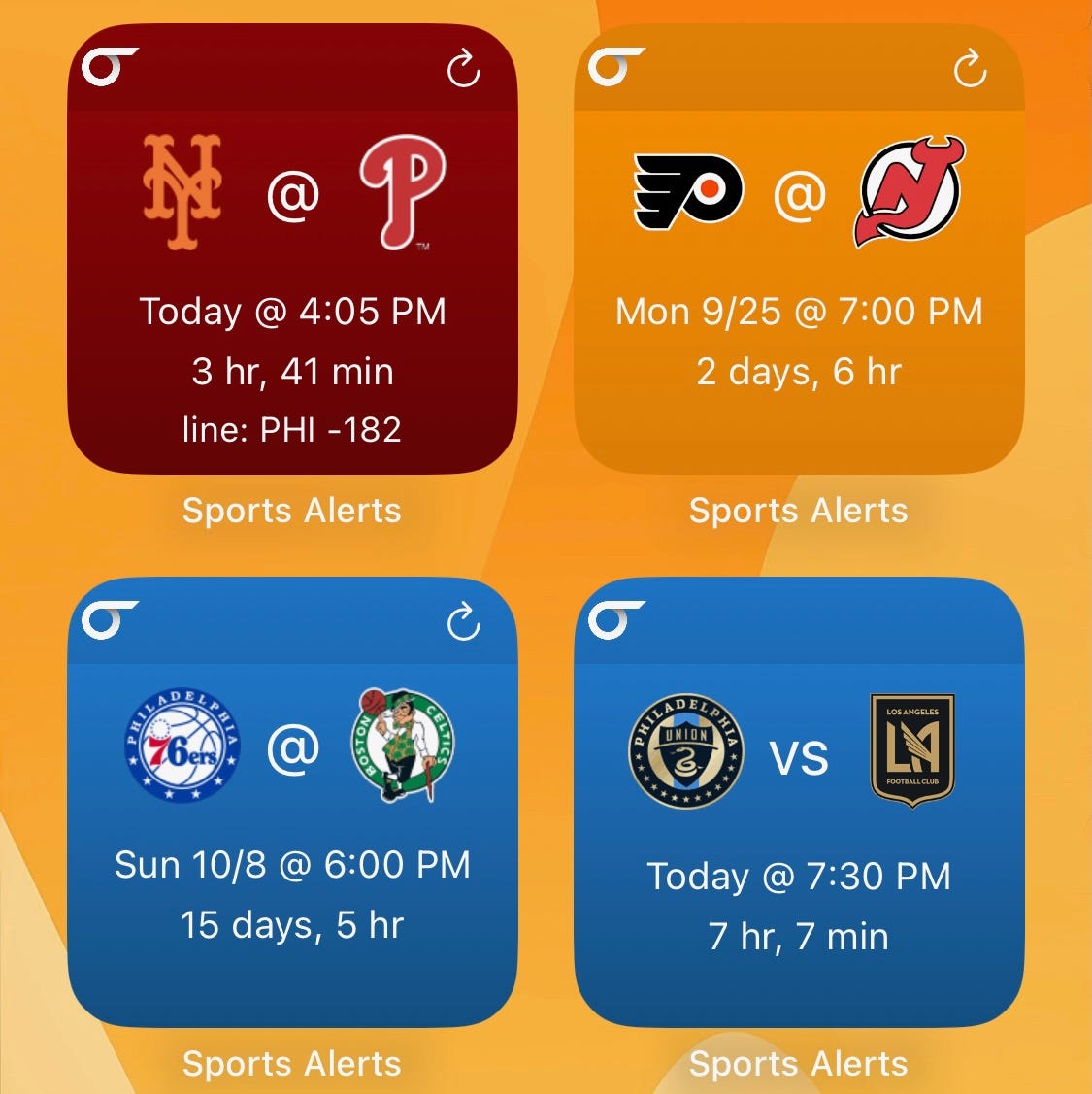
I grabbed this app a few months ago because I wanted sports widgets to at least show me when the next Phillies game was. I don’t know why the leagues don’t offer widgets and the ESPN app doesn’t either. ESPN is weird because they did have an old style widget but never upgraded to the new style.
In Sports Alerts I set up my favorites teams and I prefer the single team widgets. It takes some setting up but the big benefit is that if a team has an off day it will show when their next game is. I can also use a Smart Stack for teams I’m not as interested it but might want to know when they play - like the Eagles so I can plan a Sunday trip to the grocery store.
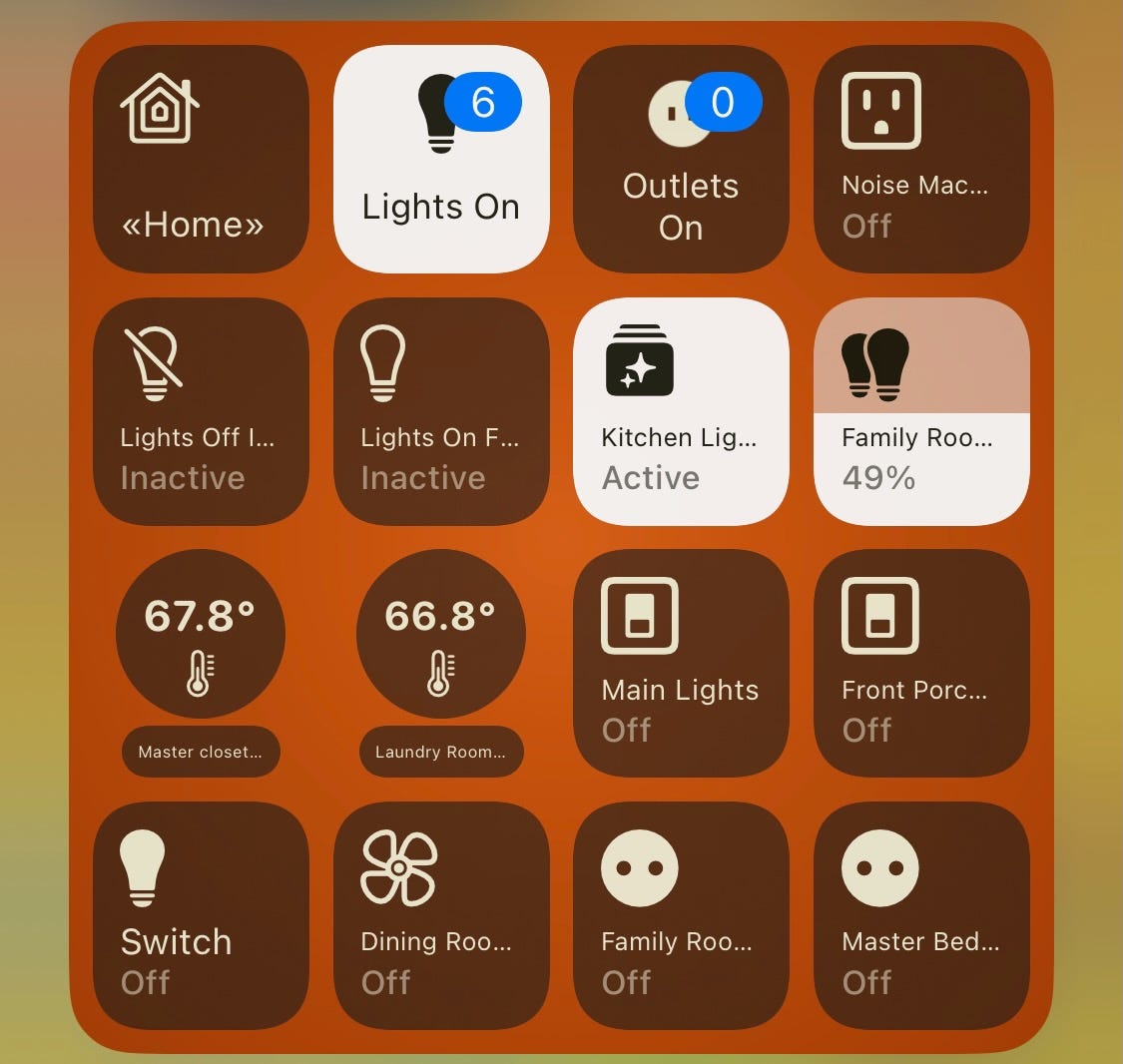
If you use Apple Home then try out the included widgets first. Then take a look at Home Widget and see if it does anything extra that you might like.
I liked that it showed the temperature sensors (but not from HomePods for some reason). It also can show some status, such as how many lights or outlets are on. Sometimes I’ll not realize I left a light on in the basement or laundry room.
Audio Widgets
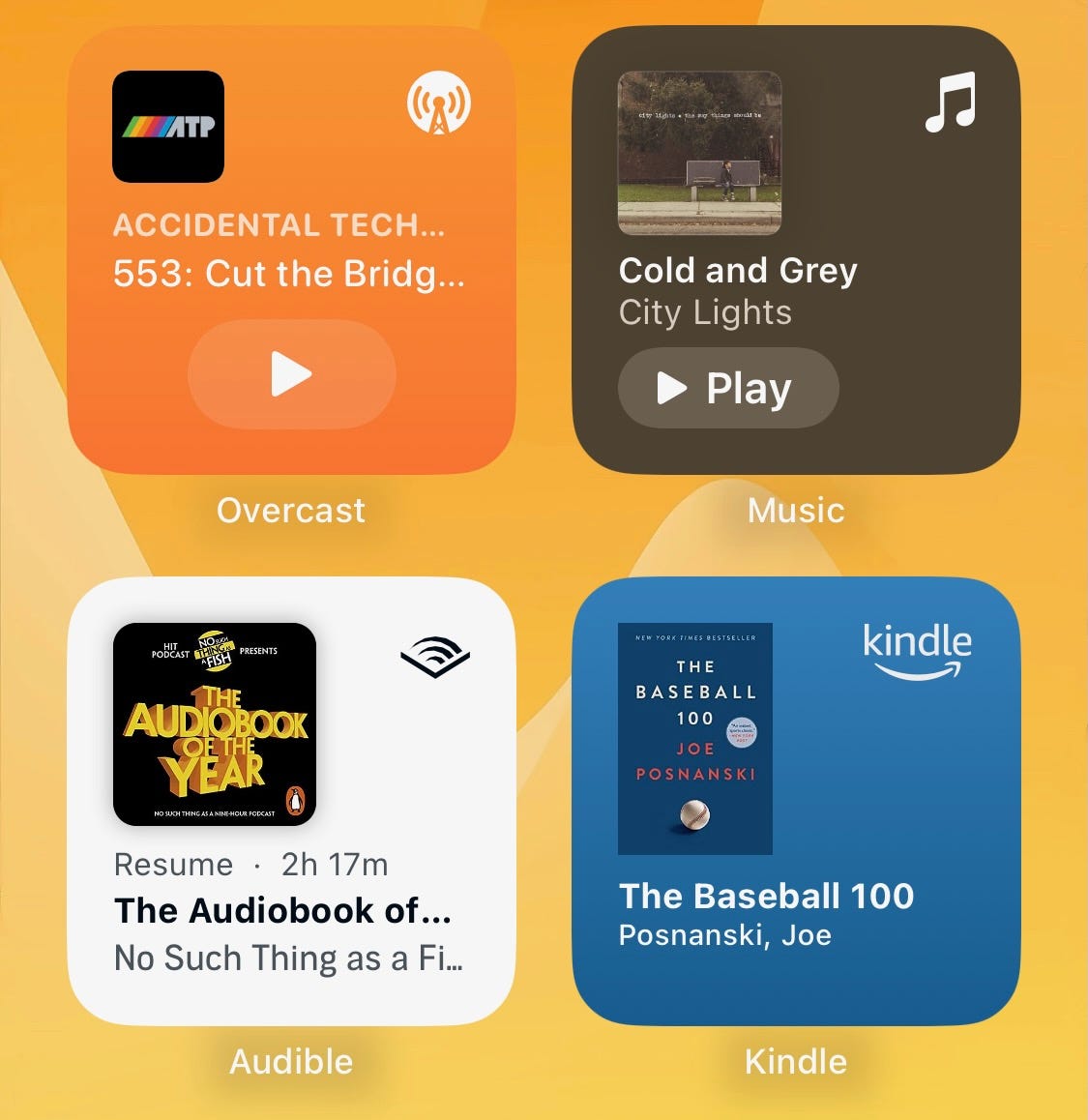
A general section as I’ve found Smart Stacks are great for my audio apps to swipe between. These would be Overcast, Apple Music, and Audible. I do wish SiriusXM would add a widget, I think that would complete the set. These apps need to take notes from each other and decide on some similar designs. I’d like to use the medium size for all of these and Overcast and Audible show you a few recent things you might want to listen to. Apple Music just makes their small widget wider, you have to move to the large size to get recents.
MacOS Widgets
I’m anxious to update MacOS to see how well the widgets integrate into my Mac usage. I think it will even pull over iPhone widgets and sync. My concern is that I don’t look at my Mac’s desktop.